Section 10 – Logs
Logs keep records of all actions performed on the website.
10.1 – Events
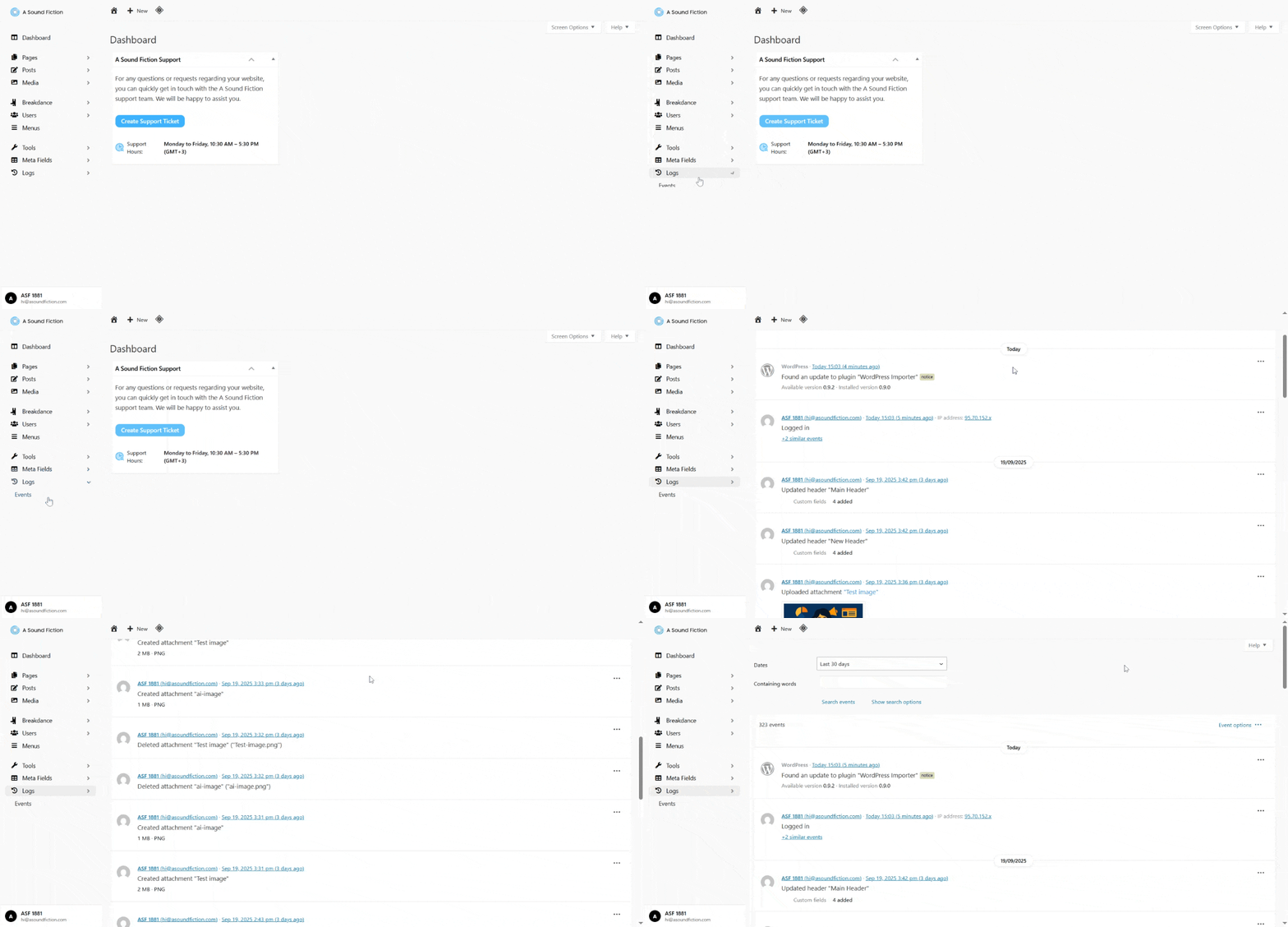
All activities such as user logins, content updates, plugin changes, etc. are listed here.
- From the left menu, click Logs > Events.
10.1.1 – Filtering
You can use filtering options to find a specific action among the event logs:
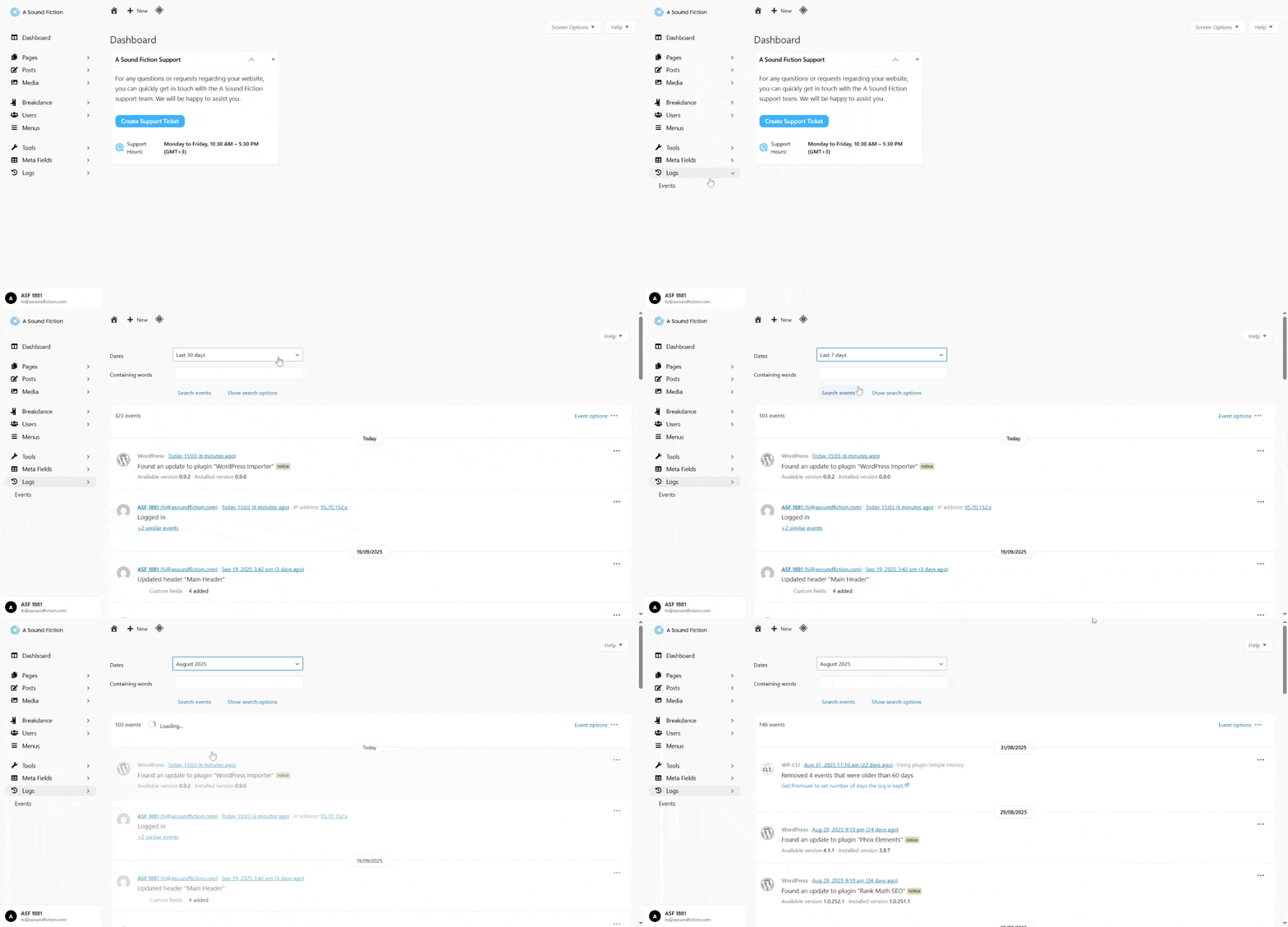
- Dates: List events within a specific date range.
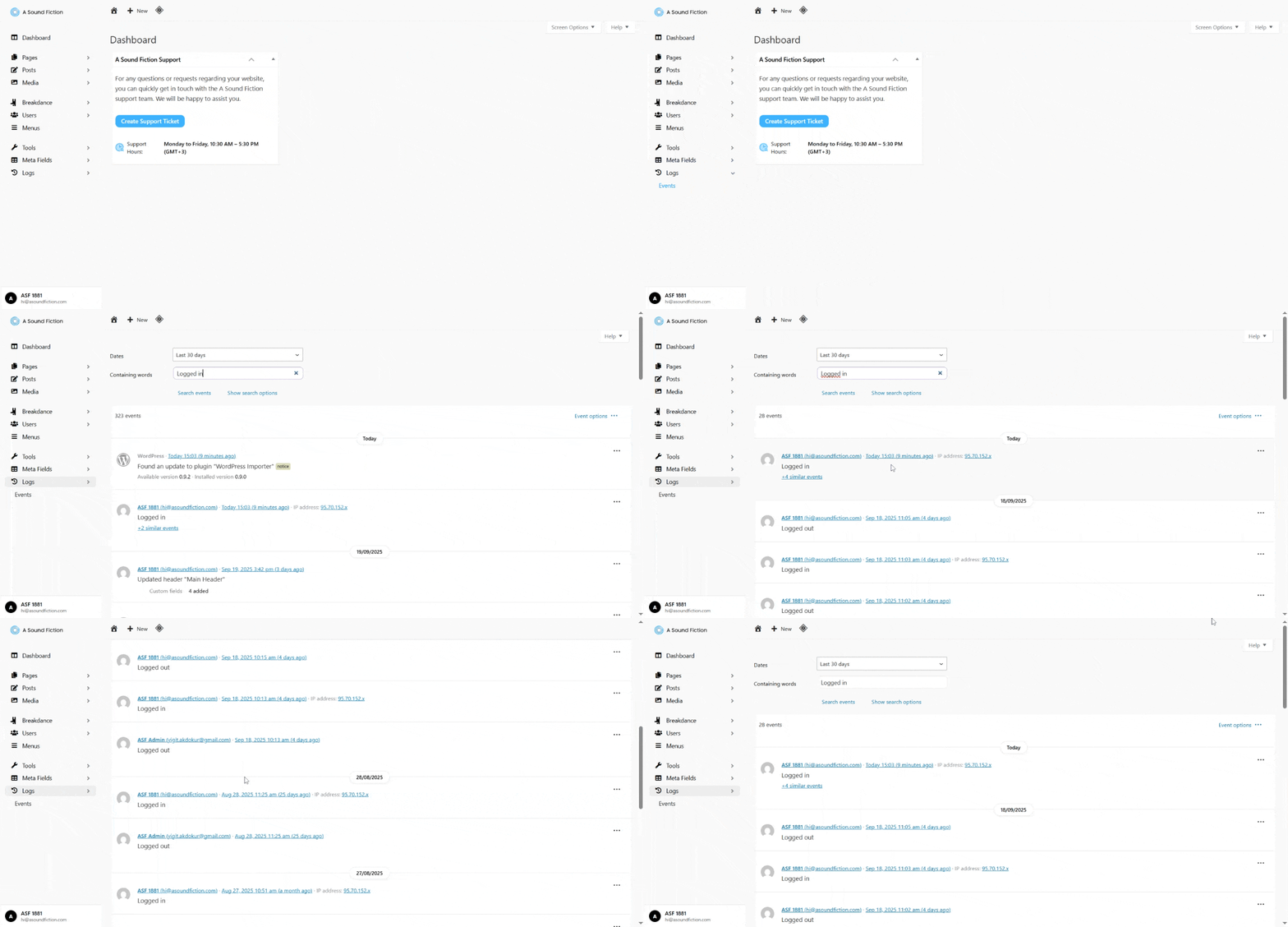
- Containing words: Display events containing a specific word or phrase.
- Example: If you type “Logged in”, only events that include the word “logged in” will be shown. This helps you quickly locate a specific action.
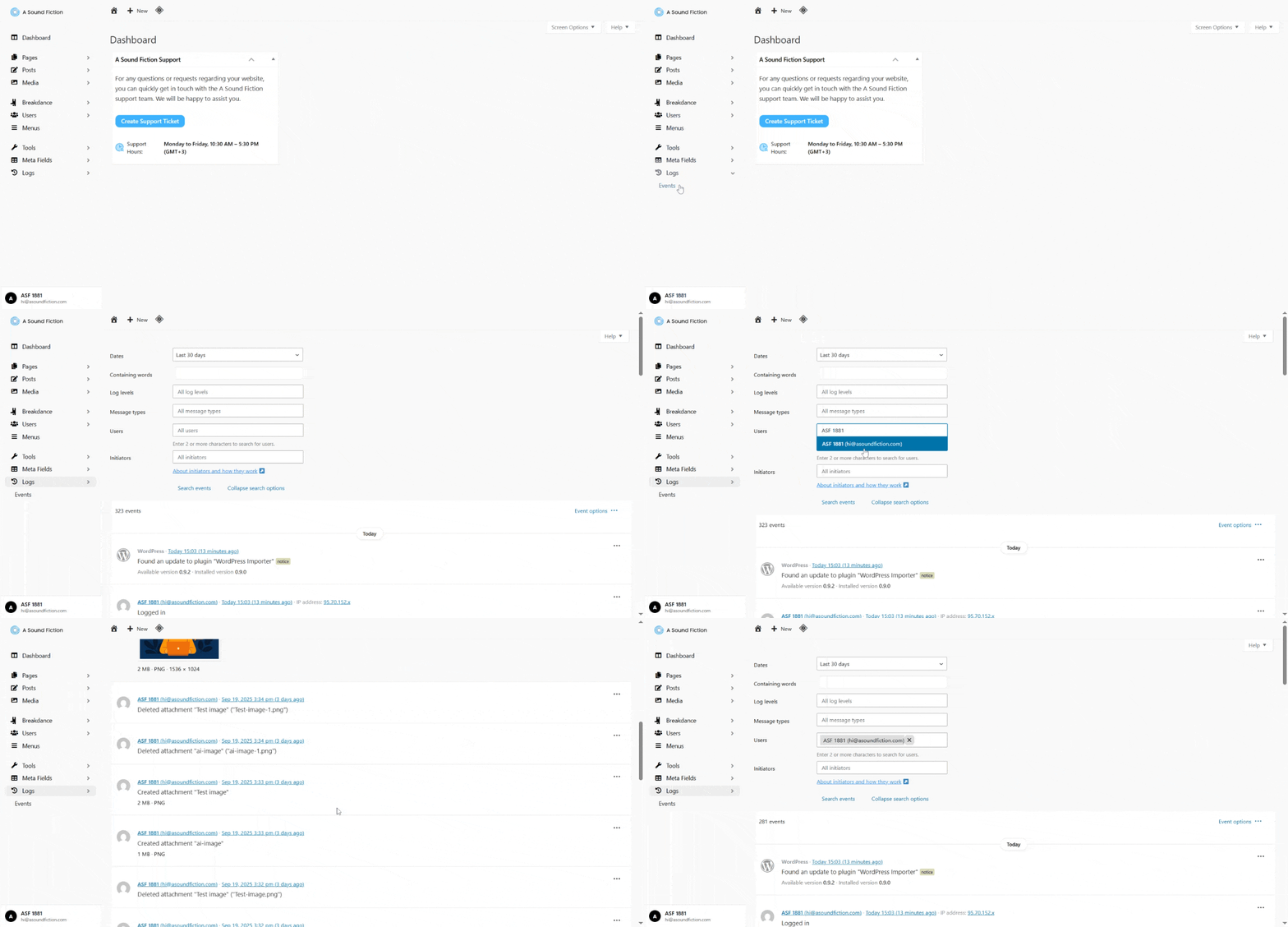
- Show search options: Provides more advanced filtering options.
- Users: View events performed by a specific user.
- To filter by user: click Show search options > Users and select the user.
Tip
Filtering helps you quickly find the records you are looking for and narrow down the event list.